
New system, new hardware bill
Plenty of phone systems only work with their own handsets, so a switch quietly turns into a hardware purchase for every desk.
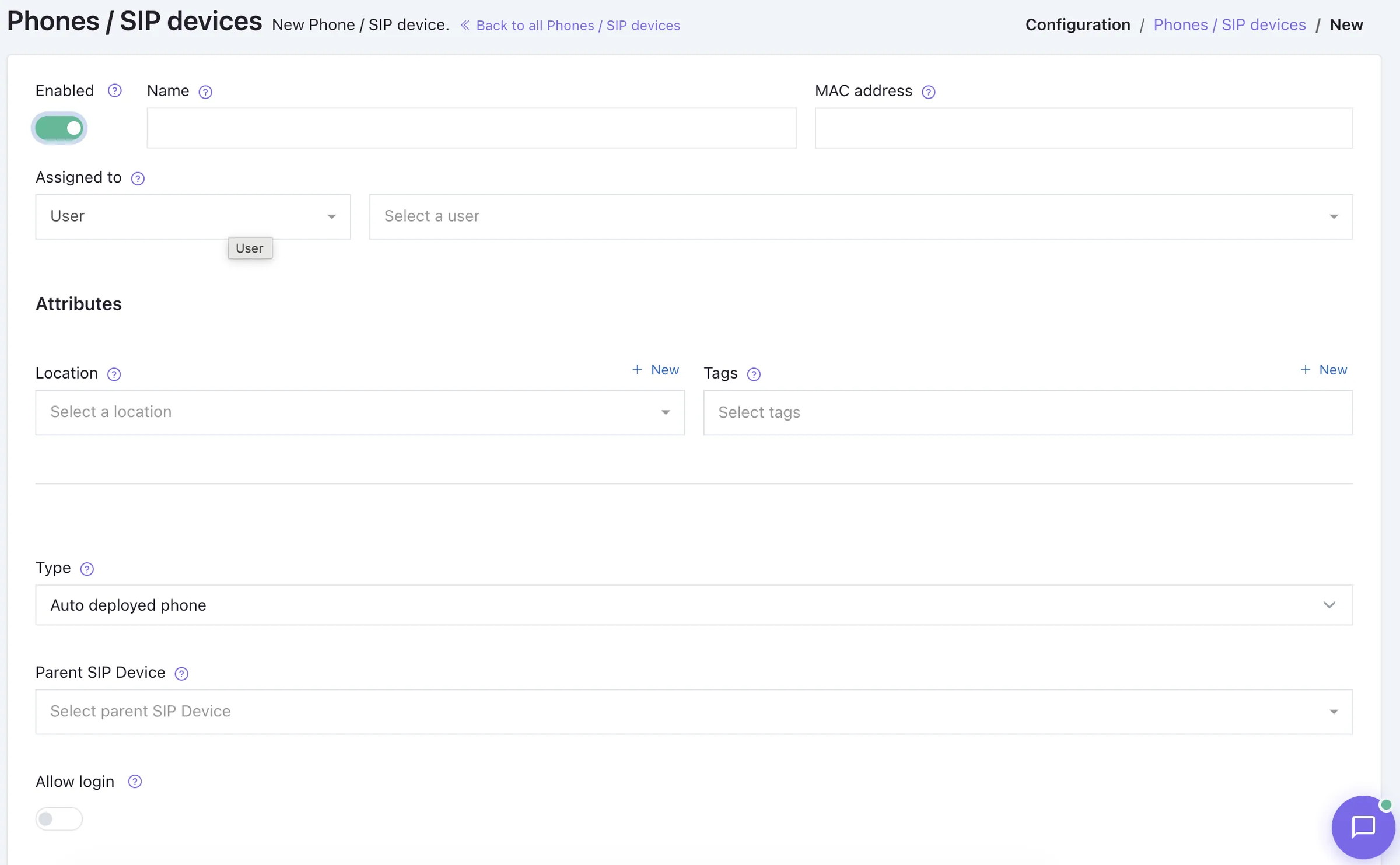
Voxbi speaks SIP, the open standard that IP phones and softphones already use, so the desk phones, cordless handsets, and conference units you own keep working. Bring your own phones: reuse the hardware you have, mix brands and price points, and add softphones alongside, without replacing a thing.
Plenty of phone systems only work with their own handsets, so a switch quietly turns into a hardware purchase for every desk.
Proprietary systems tie you to a single vendor's phones, so you can't mix models to fit different roles or budgets.
Without central provisioning, each phone is set up by hand, and every later change means another round of desk visits.
A SIP phone sends its username and password to Voxbi over the internet, no physical phone line involved.
Voxbi checks the account, applies your dial rules, and confirms the registration instantly.
Audio travels as data packets over your internet connection, so the phone works wherever it can reach the network.
Changes made in Voxbi push to every phone automatically. No more setting handsets up one desk at a time.
Any SIP-compliant handset registers with Voxbi and starts making calls in minutes, so existing hardware carries straight over.
Put premium handsets at reception and budget models elsewhere. SIP is the common language, so brands and models mix freely.
Run desk phones for some, the Voxbi apps for others, and SIP DECT for people on the move, all on one system.
An ATA adapter brings legacy analog handsets into Voxbi, so a phone that still works doesn't have to be retired.
Add extensions as you grow, from a single handset to a thousand, without changing how the phones connect.
Voxbi's own desktop and mobile apps are the softphone backbone, supporting high-quality Bluetooth and USB audio devices.
SIP is an open standard, so Voxbi supports desk phones, cordless DECT handsets, conference units, and softphones from a wide range of manufacturers. The Voxbi supported devices page lists the specific models tested for reliable performance.
Voxbi's own desktop and mobile apps double as the softphone layer for anyone without a desk phone, connecting Bluetooth or USB headsets for clear audio on every call.
If they're SIP-compliant, yes. Voxbi uses the open SIP standard, so most modern IP desk phones register and start making calls without new hardware.
No. Reusing your current SIP phones is the whole idea. You can keep what you have, add softphones through the Voxbi apps, and buy new handsets only if and when you want to.
Yes. Because every phone speaks SIP, you can run different brands and models together, choosing each to fit the role and budget.
The Voxbi supported devices page lists the desk phones, cordless handsets, and conference systems tested for reliable performance. Other SIP devices are supported too.
An ATA (analog telephone adapter) bridges analog handsets into Voxbi over SIP, so a working phone doesn't have to be replaced.
Start a free trial and register a phone you already own with Voxbi in minutes.