
Call data stays locked in
Who called, what was said, what was recorded: it all lives in the phone system, out of reach of the apps your team actually works in.
Voxbi exposes a REST API and webhooks for the whole phone system: authenticate a user, read their PBX context, start and hang up calls, pull call history with recordings and AI transcripts, order numbers, and get events pushed to your app. Standard HTTP and JSON, token-based auth, documented and ready to run in Postman.
Who called, what was said, what was recorded: it all lives in the phone system, out of reach of the apps your team actually works in.
Without an API, wiring calls into your own software means brittle workarounds, or no integration at all.
Dialing, logging, and pulling recordings by hand is the kind of repetitive work code should be doing for you.
Authenticate a user with email and password, or with a passwordless email code, to receive a Bearer token for the API.
Read the user and PBX context, start or hang up calls, and pull call history with recordings and AI transcripts, over standard HTTP and JSON.
Register webhooks so your app reacts to calls as they happen, no polling required.
Classic email and password, or passwordless email code. Both return a Bearer token you send on every protected request.
One call to the /me endpoint returns the user profile, extensions, groups, WebRTC configuration, and caller identities to bootstrap your client.
Start a call from a user to any destination, place a multicast announcement, or hang up an active call, all over the API.
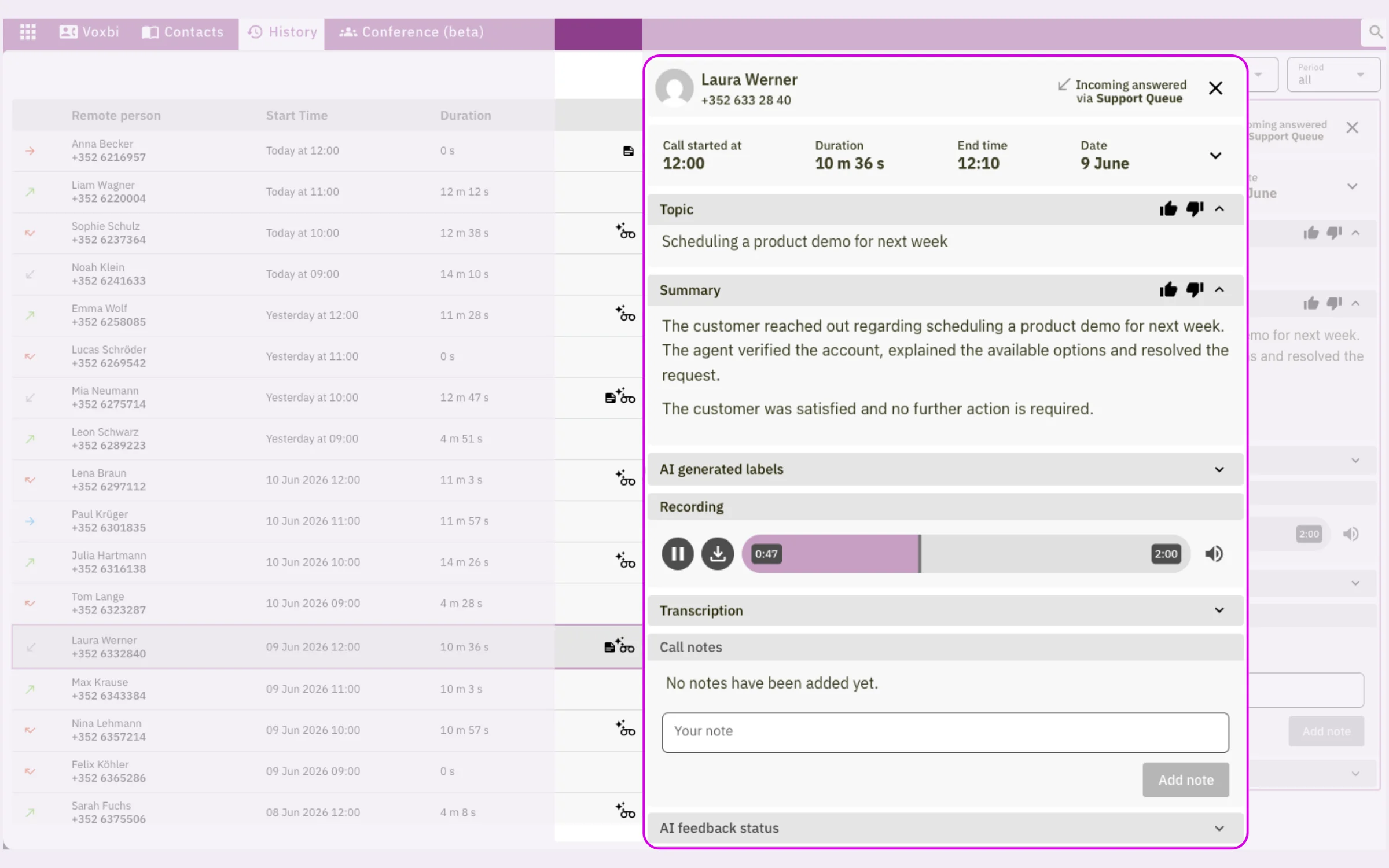
Read a call in full: caller, receivers, call-flow events, recording metadata, and AI processing fields.
Fetch a call recording by path, and pull the AI transcription and call timeline as text your app can store or search.
Get call events pushed to your endpoint as they happen, so your systems stay in sync without polling.
Everything is standard HTTP and JSON with token-based (Bearer) authentication, so you can call it from any language. The core API lives under https://cockpit.voxbi.com/v1/api, with a separate PBX APIs collection for call control, and you can order phone numbers and push PBX configuration over the API too.
The full public reference, with endpoints, authentication, examples, and a Postman collection you can run against your own account, is at voxbi.com/apidocs.
Yes. The full reference, endpoints, authentication, and examples, is published at voxbi.com/apidocs, with a Postman collection you can run against your account.
Log in with email and password, or with a passwordless email code, to get a Bearer token. You send that token in the Authorization header on every protected request.
Anything that reads or drives calls: click-to-call from your own app, caller pop, call logging, recording and AI-transcript retrieval, number ordering, and live event handling through webhooks.
Yes. The API is how Voxbi fits any CRM that does not already have a native integration. See the CRM integration page for what that looks like.
The core API is under https://cockpit.voxbi.com/v1/api, with a separate PBX APIs collection for call control. Both are documented at voxbi.com/apidocs.
Read the API docs to see every endpoint, or start a free trial to get an account to build against.