
Branded caller ID: how your business name reaches the screen
Your phone system sends a number and a name. Whether your business name shows depends on number authentication and the receiving operator.
Oct 25, 2026

Front-end developer
Ricardo builds the front end of the Voxbi apps your team uses every day.
Topics: The desktop, mobile and browser apps, and some of the setup guides
Your phone system sends a number and a name. Whether your business name shows depends on number authentication and the receiving operator.
Call queuing holds callers in an ordered line inside your cloud PBX. How it works, which options to switch on, which metrics to watch and how to configure a queue.
Call transcription turns a phone call into a summary and a next step in your CRM. This guide covers the architecture, field mapping, the review queue, the GDPR and testing.
An inbound call reaches your organisation and an outbound call leaves it. Here's how to route, measure and govern each one, and keep your numbers when you migrate.
How a cloud voicemail system takes a message from the dialled number to the person who calls back, and the routing, security and GDPR settings behind it.
Call logs, metadata and recordings each need their own retention period. This guide shows how to set them by purpose, who owns each one, and what happens when someone deletes a call in an app.
A softphone is an app that turns a computer, smartphone or tablet into a business phone. Here's how it carries a call, how it compares with a desk phone and an on-premise PBX, and what to check before you roll one out.
Connect a Google Workspace to Voxbi so calendars set a meeting status, approved absences land on the right calendar, and contacts sync between the two systems.
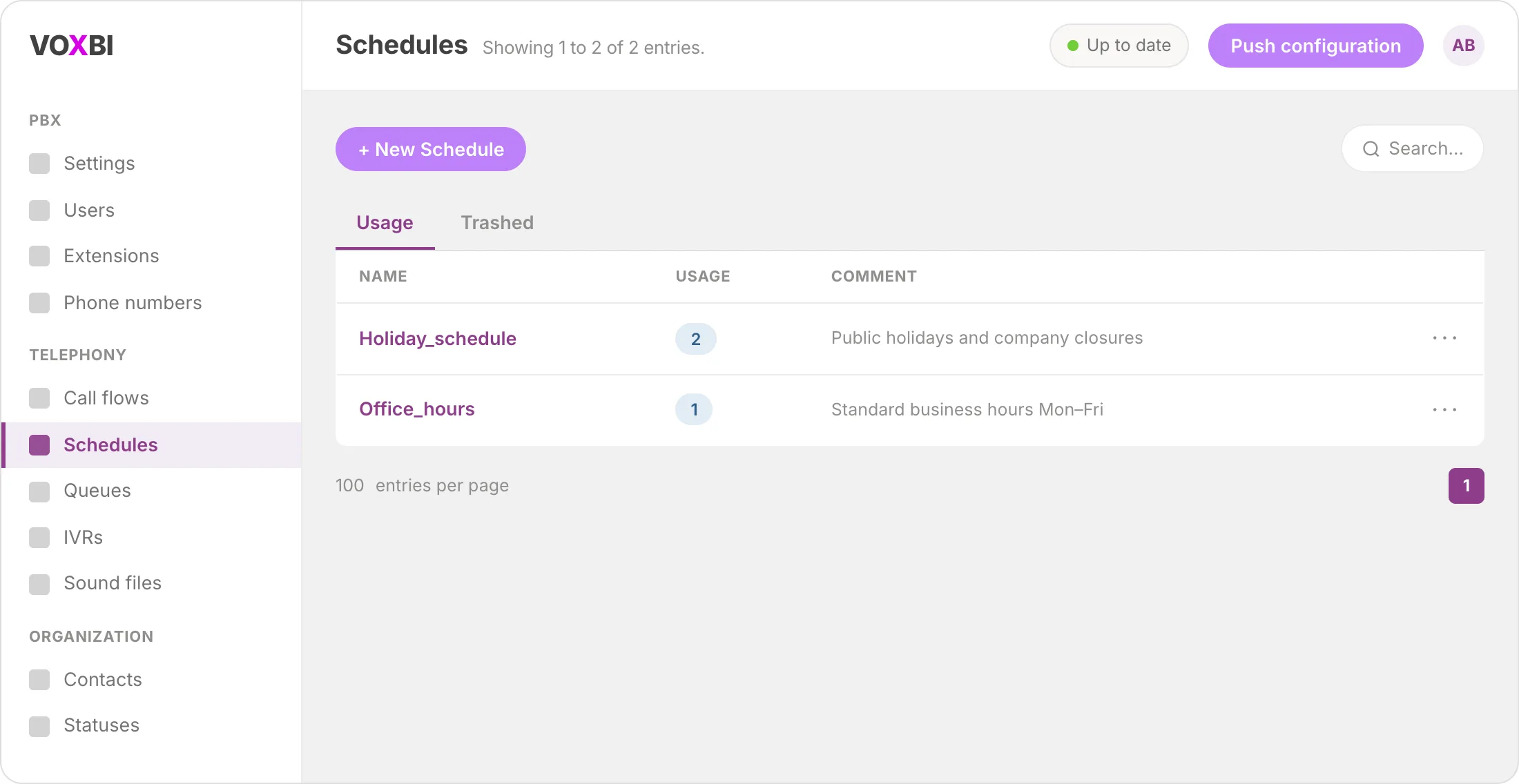
Set up time-based call routing in the Voxbi Cockpit so your phone system automatically handles open and closed hours on every incoming call.
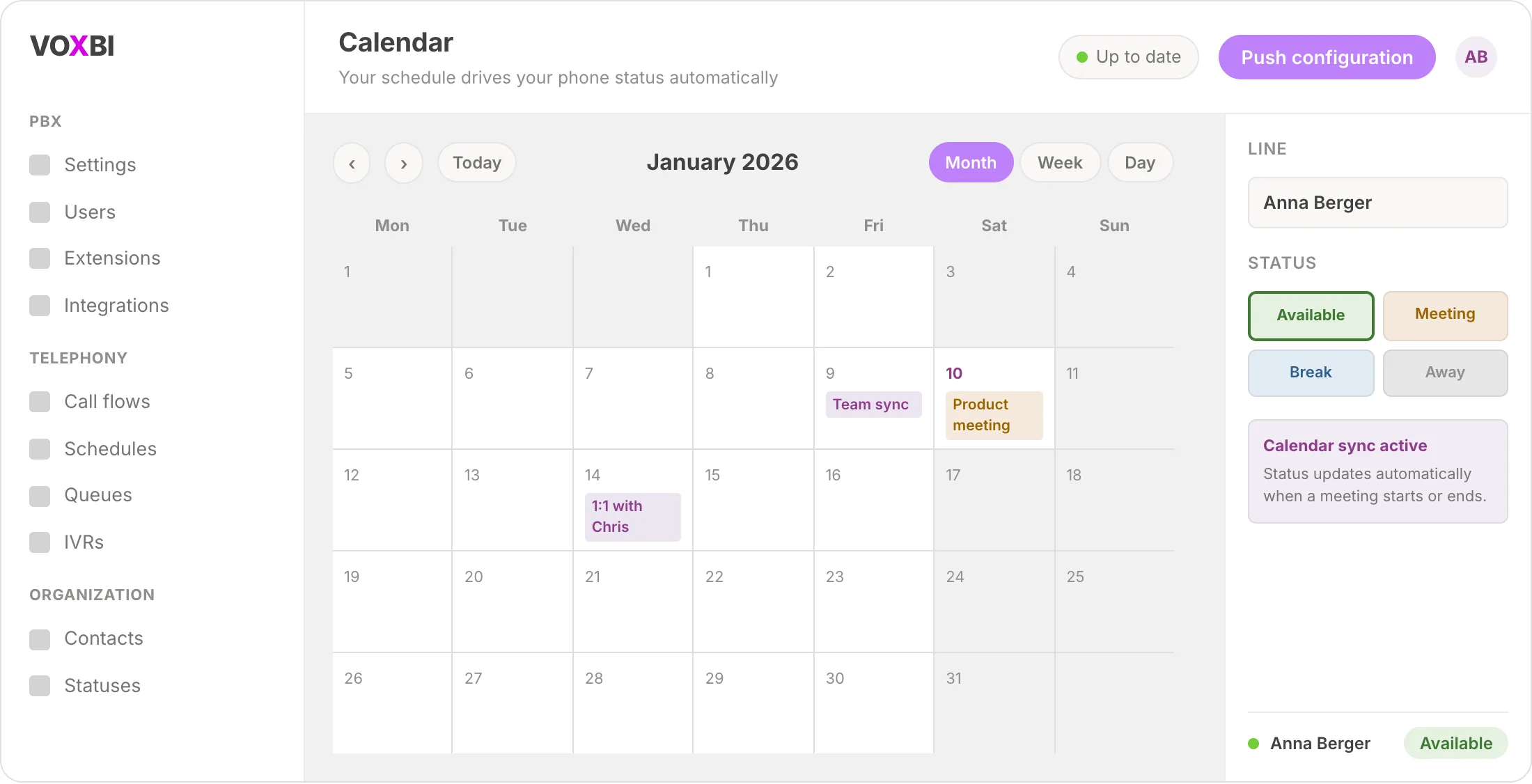
Connect your Microsoft 365 calendar to Voxbi and your phone status updates itself every time a meeting starts or ends. No manual toggling, always accurate.
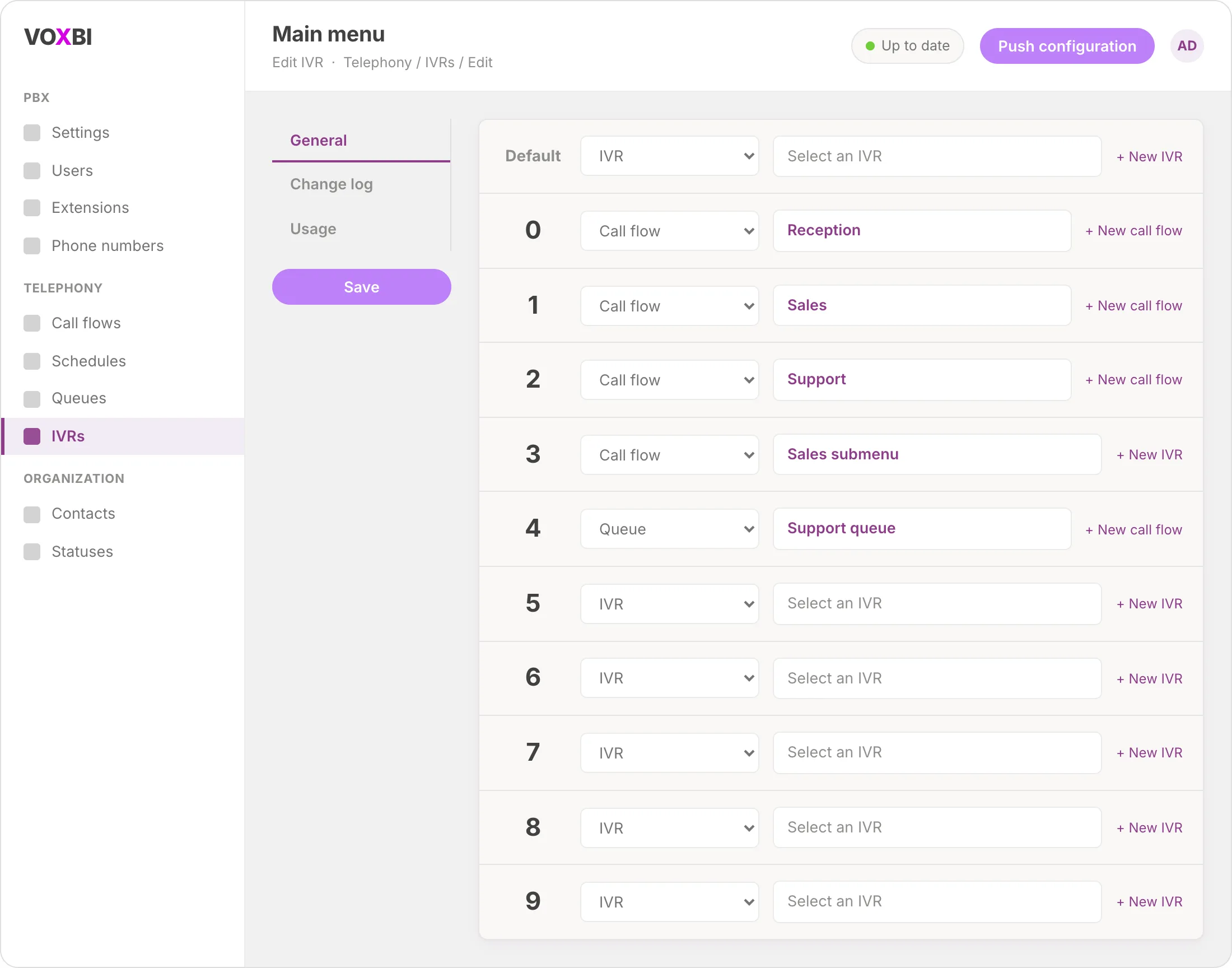
Set up a phone menu that routes every caller to the right team automatically, no receptionist needed.
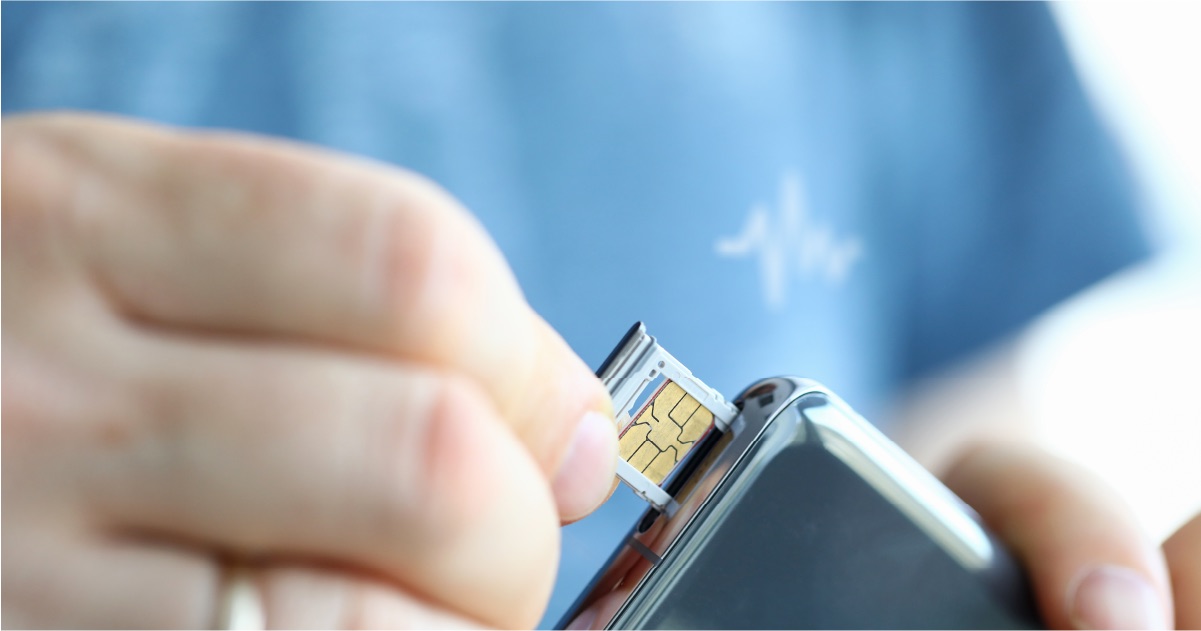
Bring your fixed business number to your mobile, with no app and no smartphone required. One professional number for every call, anywhere in Europe.
Closed for the holidays or changing your hours? Here is how to set up a clear, professional voice message that keeps callers informed.
Start a free trial, or work with a certified Voxbi partner.